> ## Documentation Index
> Fetch the complete documentation index at: https://wb-21fd5541-docs-1761.mintlify.site/llms.txt
> Use this file to discover all available pages before exploring further.
# モデルを整理する
モデルタグを使用して登録済みのモデルをカテゴリーに整理し、それらのカテゴリーを検索します。
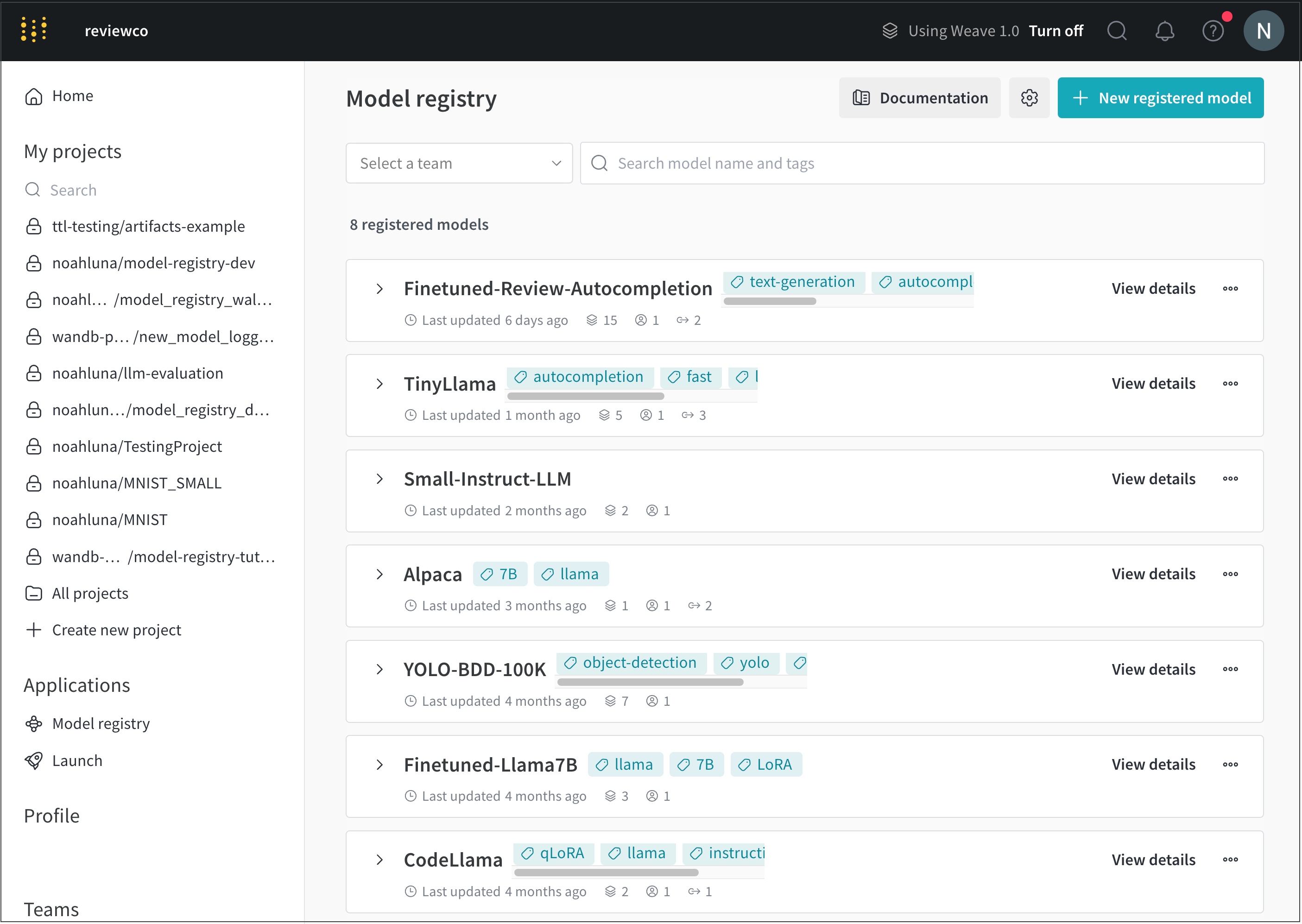
1. [https://wandb.ai/registry/model](https://wandb.ai/registry/model) で W\&B モデルレジストリアプリに移動します。
2. モデルタグを追加したい登録済みモデルの名前の横にある **View details** を選択します。
 3. **Model card** セクションまでスクロールします。
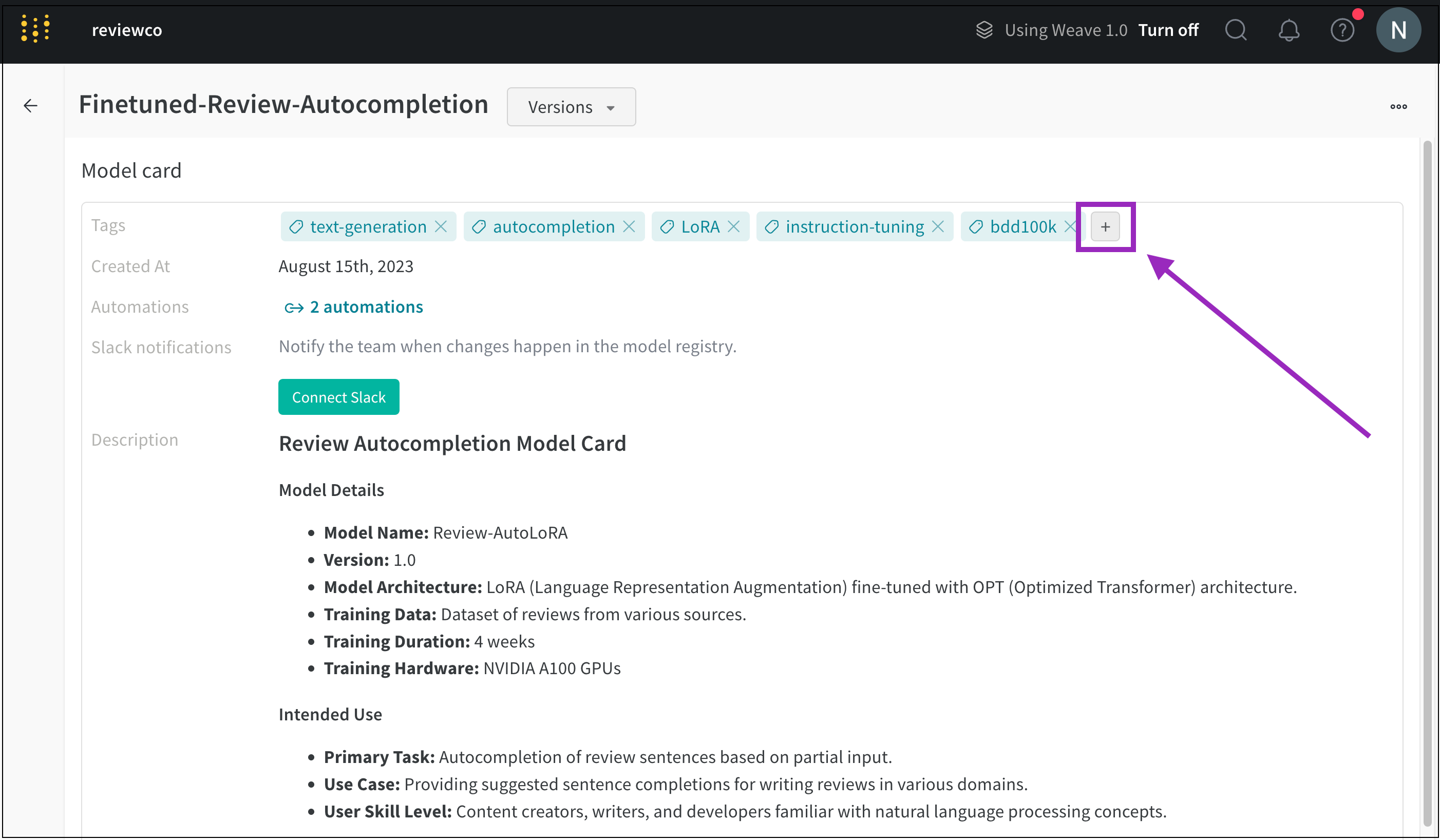
4. **Tags** フィールドの横にあるプラスボタン (**+**) をクリックします。
3. **Model card** セクションまでスクロールします。
4. **Tags** フィールドの横にあるプラスボタン (**+**) をクリックします。
 5. タグの名前を入力するか、既存のモデルタグを検索します。
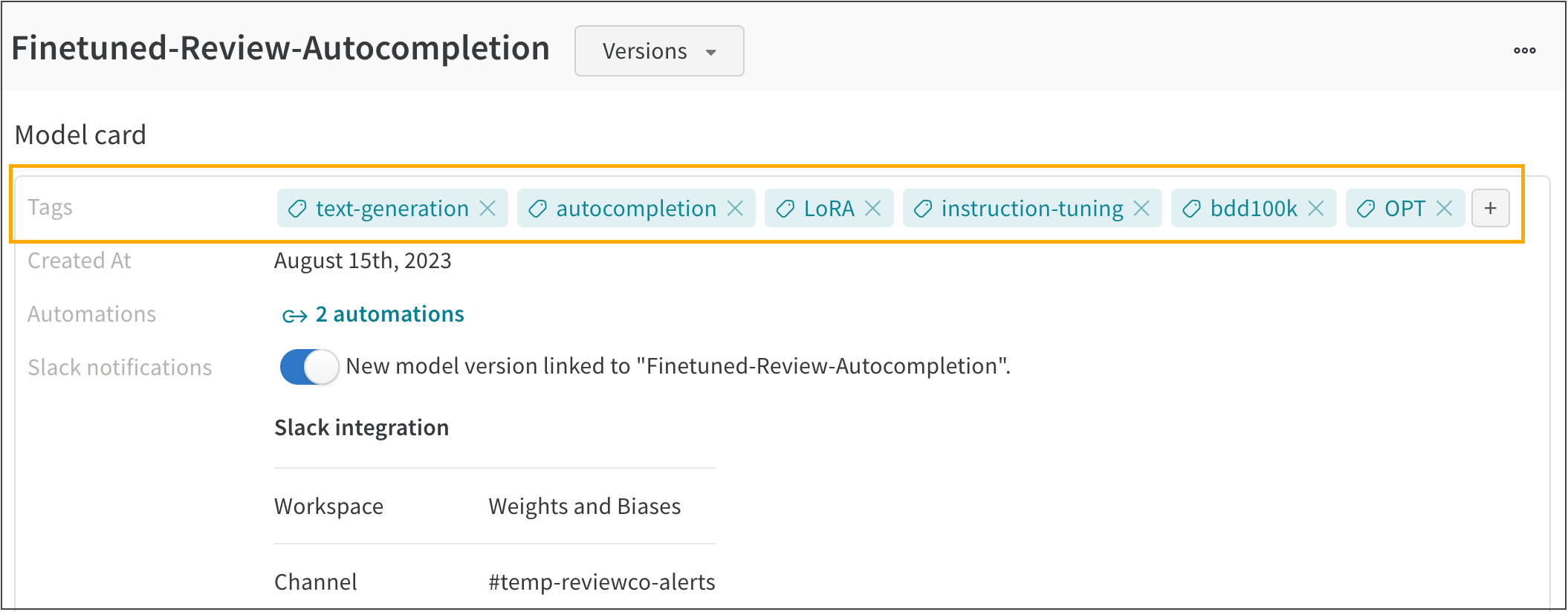
例えば、次の画像は **FineTuned-Review-Autocompletion** という登録済みモデルに複数のモデルタグが追加されている様子を示しています。
5. タグの名前を入力するか、既存のモデルタグを検索します。
例えば、次の画像は **FineTuned-Review-Autocompletion** という登録済みモデルに複数のモデルタグが追加されている様子を示しています。